Admin panel
Open with /mower_edit → Admin panel. Requires the rc_mower.edit ACE to open and rc_mower.admin to save.
Every value here is stored in the database, not in a file. Saving pushes the change to every connected player straight away — no restart, and no risk of a resource update overwriting your economy.
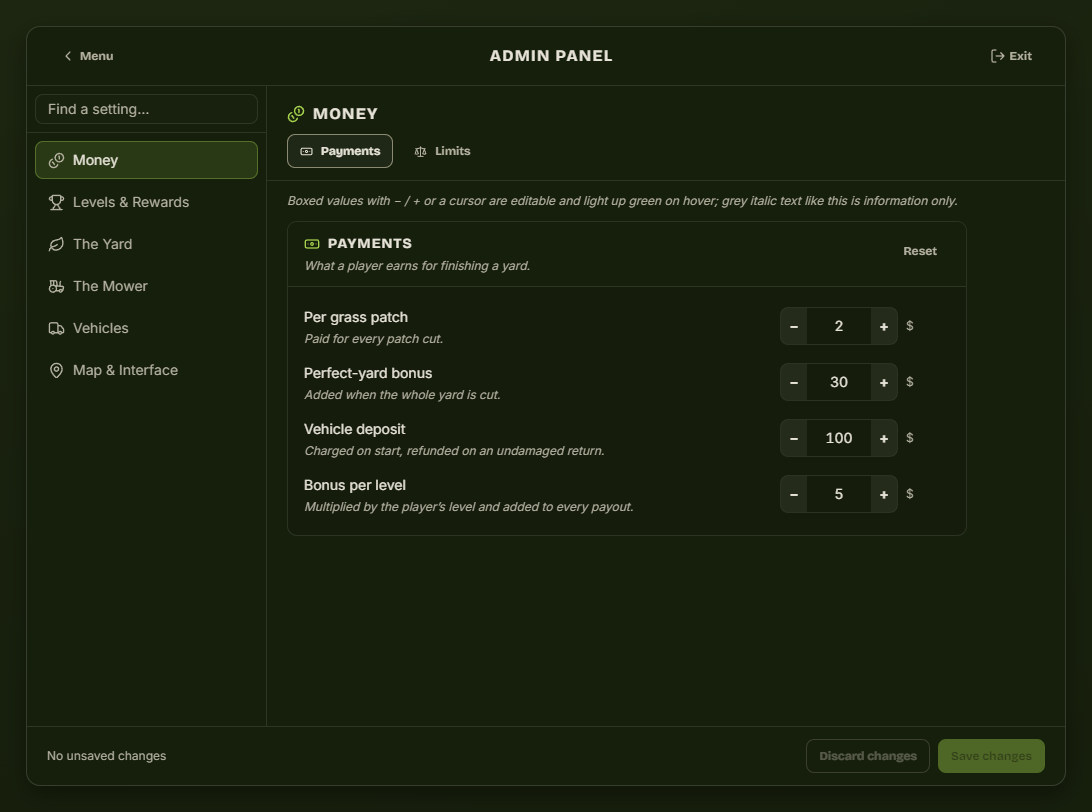
How the panel works
| Element | What it does |
|---|---|
| Find a setting… | Type any word — deposit, streak, blip — and the rail filters to matching groups. |
| Left rail | Six categories. Each opens a row of tabs across the top. |
| − / + boxes | Editable. Click the number to type instead. |
| Grey italic text | Explanation only, never editable. |
| Reset (per group) | Restores that group to the shipped defaults. |
| Save changes | Writes every edited group at once. The footer tells you when something is unsaved. |
| Discard changes | Throws away your edits and re-reads the live values. |
Money
Payments
| Setting | Effect |
|---|---|
| Per grass patch | Paid for every patch cut. The main lever on income. |
| Perfect-yard bonus | Added only when the whole yard is cut. |
| Vehicle deposit | Charged when the player starts, refunded on an undamaged return. |
| Bonus per level | Multiplied by the player's level, added to every payout. |
A payout is patches × per patch + perfect bonus + level × bonus per level + the streak bonus, then clamped by Largest payout below.
Limits
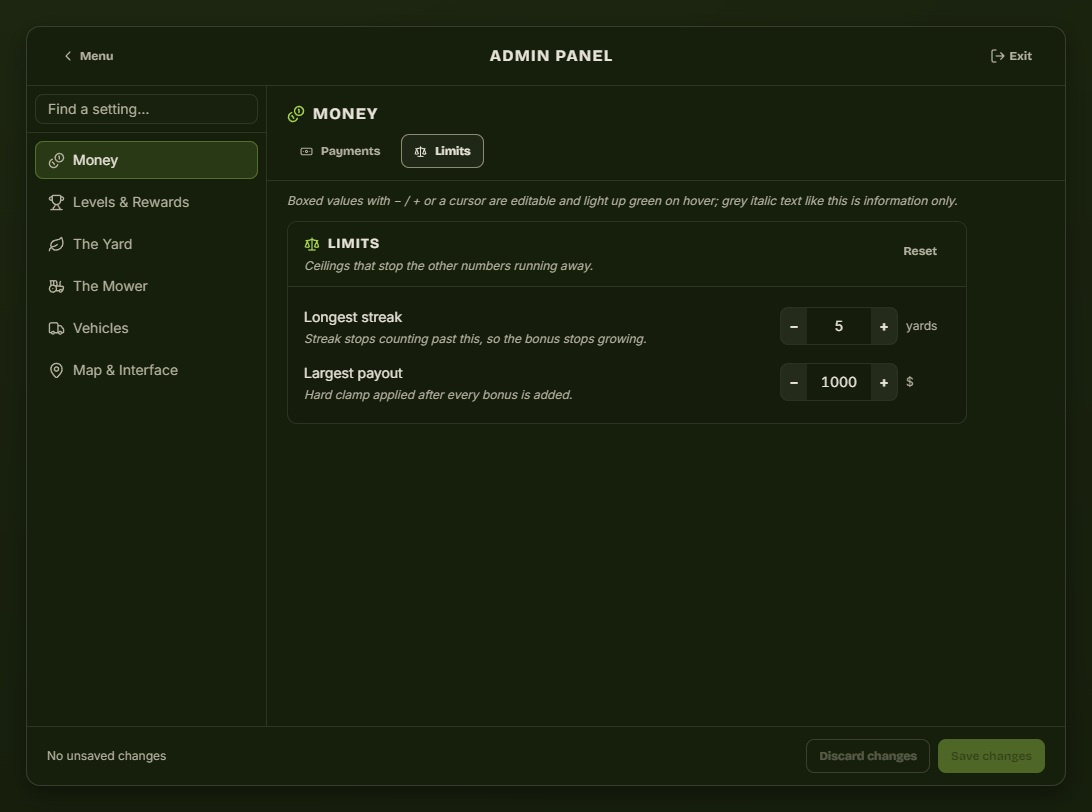
| Setting | Effect |
|---|---|
| Longest streak | The streak stops counting past this, so the streak bonus stops growing. |
| Largest payout | Hard ceiling applied after every bonus. The safety net on the whole economy. |
Levels & Rewards
Experience
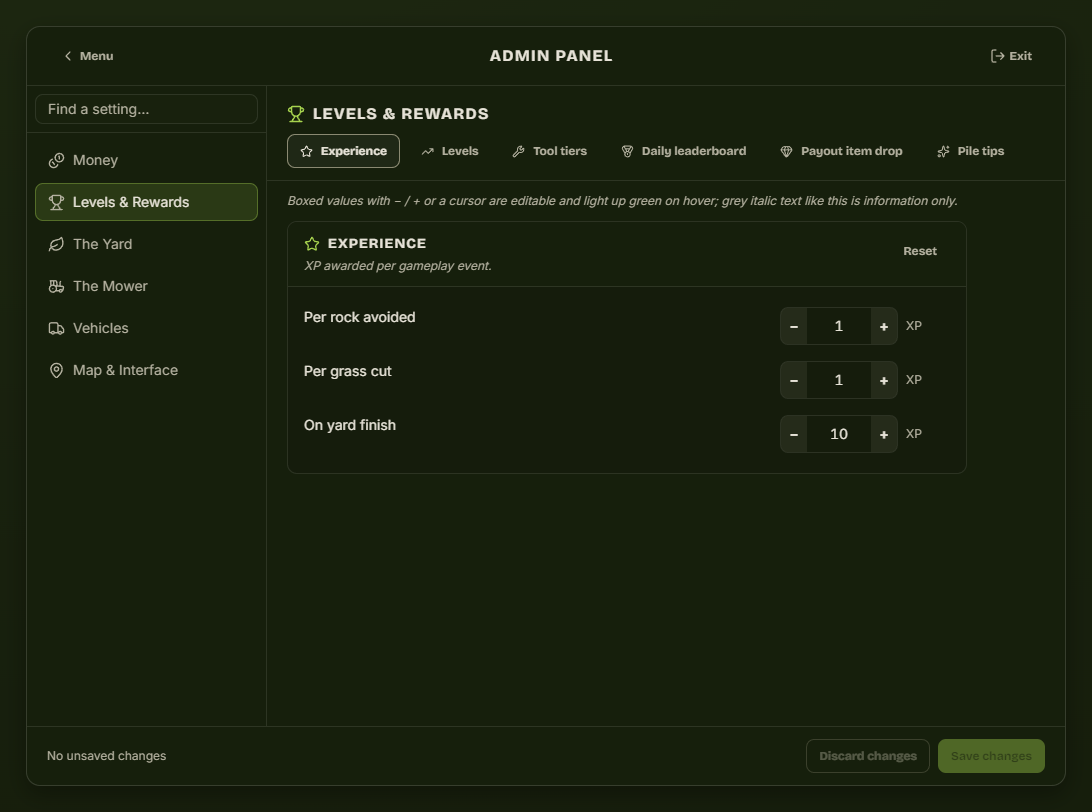
XP per rock avoided, per patch cut, and a flat amount for finishing a yard.
Levels
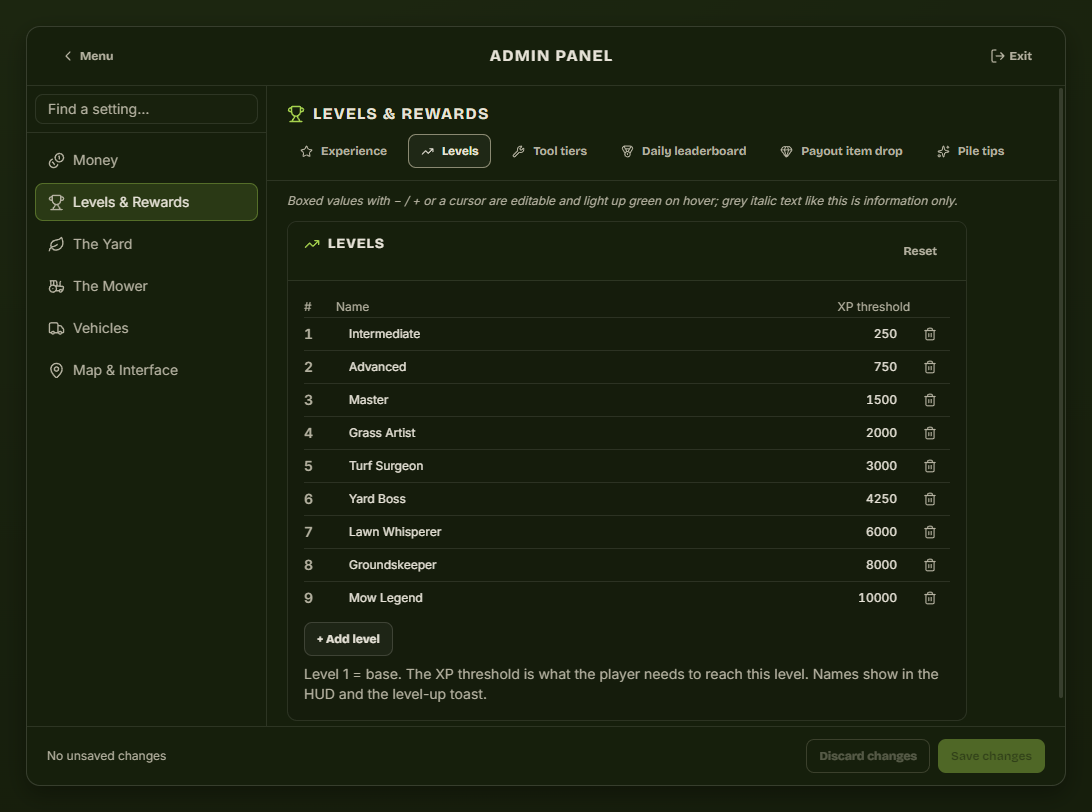
One row per level: the rank name players see on their HUD and in the level-up toast, and the XP needed to reach it. + Add level appends a rank; the bin icon removes one. Level 1 is the base rank everyone starts at.
Tool tiers below refer to these level numbers, so if you delete levels check the tier gates still make sense.
Tool tiers
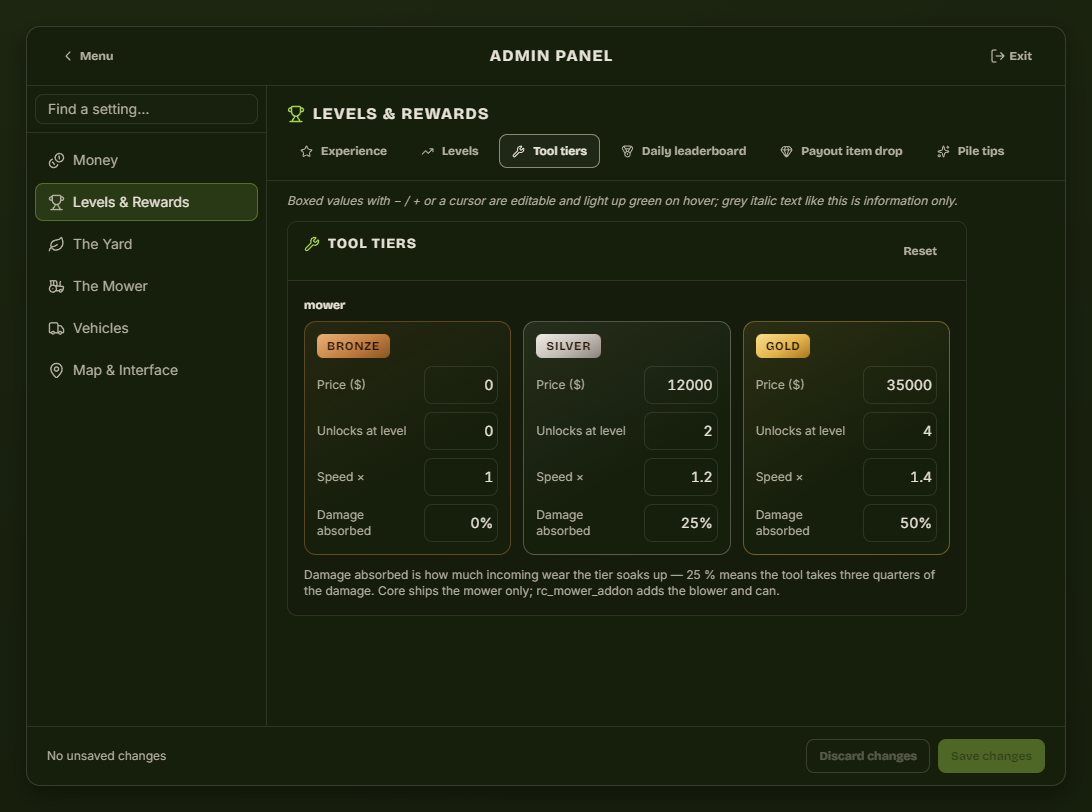
The three mower tiers players buy in the workshop.
| Column | Effect |
|---|---|
| Price | Cost in the workshop. Bronze at 0 is the free starting tier. |
| Unlocks at level | Below this level the card is shown but cannot be bought. |
| Speed × | Mowing speed multiplier. |
| Damage absorbed | Share of rock damage the tier soaks up. 25 % means the mower takes three quarters of the hit. |
Daily leaderboard
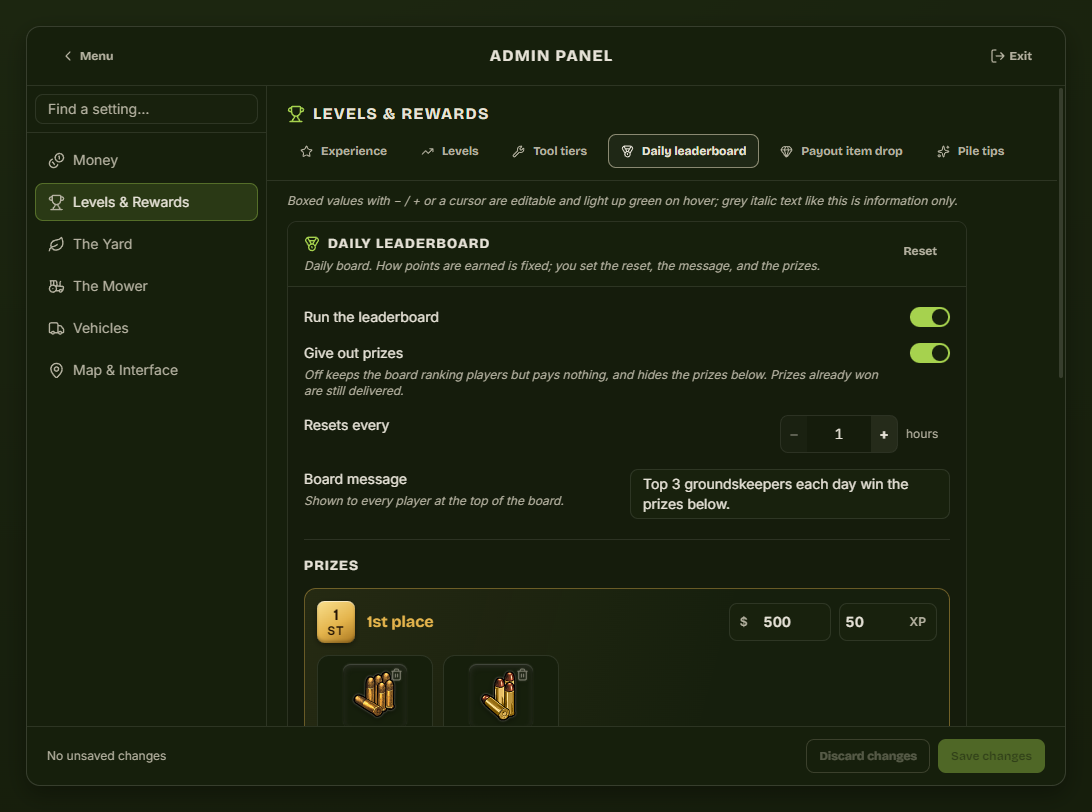
| Setting | Effect |
|---|---|
| Run the leaderboard | Off hides the board entirely. |
| Give out prizes | Off keeps the ranking but pays nothing. Prizes already won are still delivered. |
| Resets every | Period length in hours. 24 = a daily board. |
| Board message | The line every player reads at the top of the board. |
| Prizes | Money, XP and items for 1st, 2nd and 3rd. Items are picked from your inventory's catalogue, with artwork. |
How points are earned is fixed in the script and deliberately not editable, so scoring means the same thing on every server.
Payout item drop
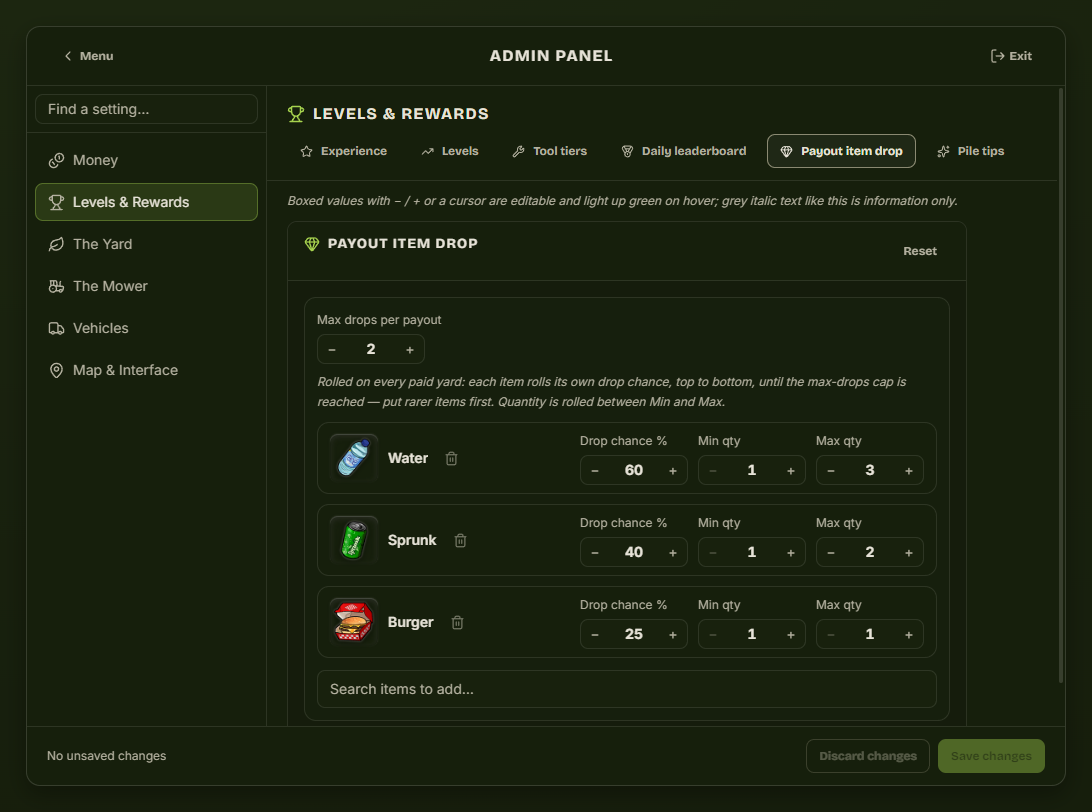
Items that can drop when a yard is paid. Add one with Search items to add…, which lists your inventory's items with their artwork; the bin icon removes a row.
Each row rolls its own chance, so more than one item can drop from a single payout, and max drops per payout caps the total. Rows roll top to bottom, so put the rare items first — once the cap is reached the rest are skipped. Quantity is rolled between the row's min and max.
Pile tips
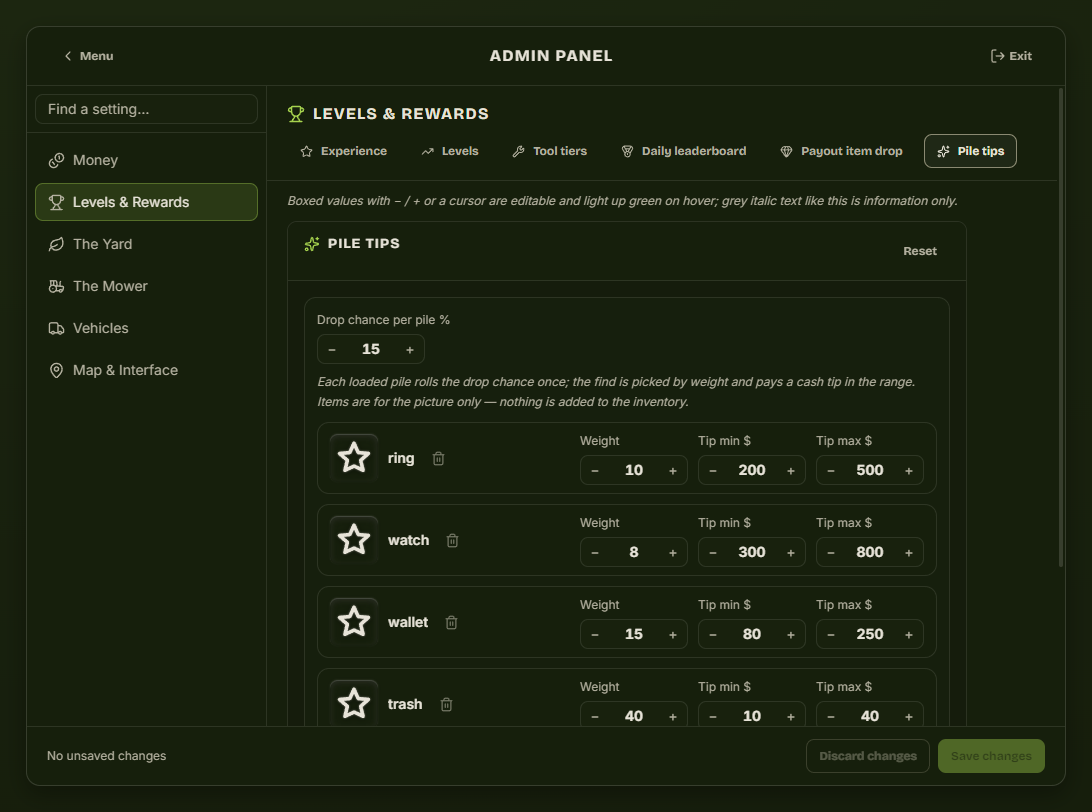
Hidden valuables found in leaf piles, paid as a cash tip — the item is only the picture, nothing is added to the player's inventory.
Each loaded pile rolls drop chance once. If it hits, the find is picked by weight — a weight of 40 against a weight of 8 is five times as likely — and pays somewhere between its tip min and tip max.
Piles come from the rc_mower_addon expansion. With core alone this tab has no effect.
The Yard
Grass / Rocks
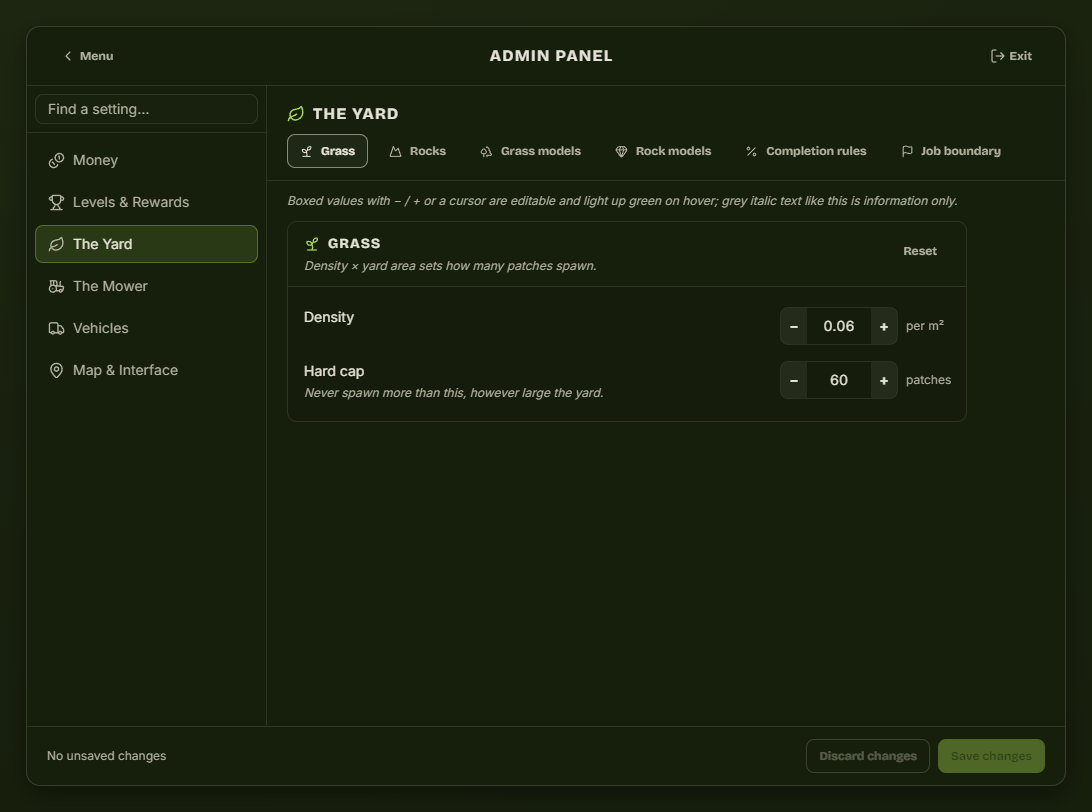
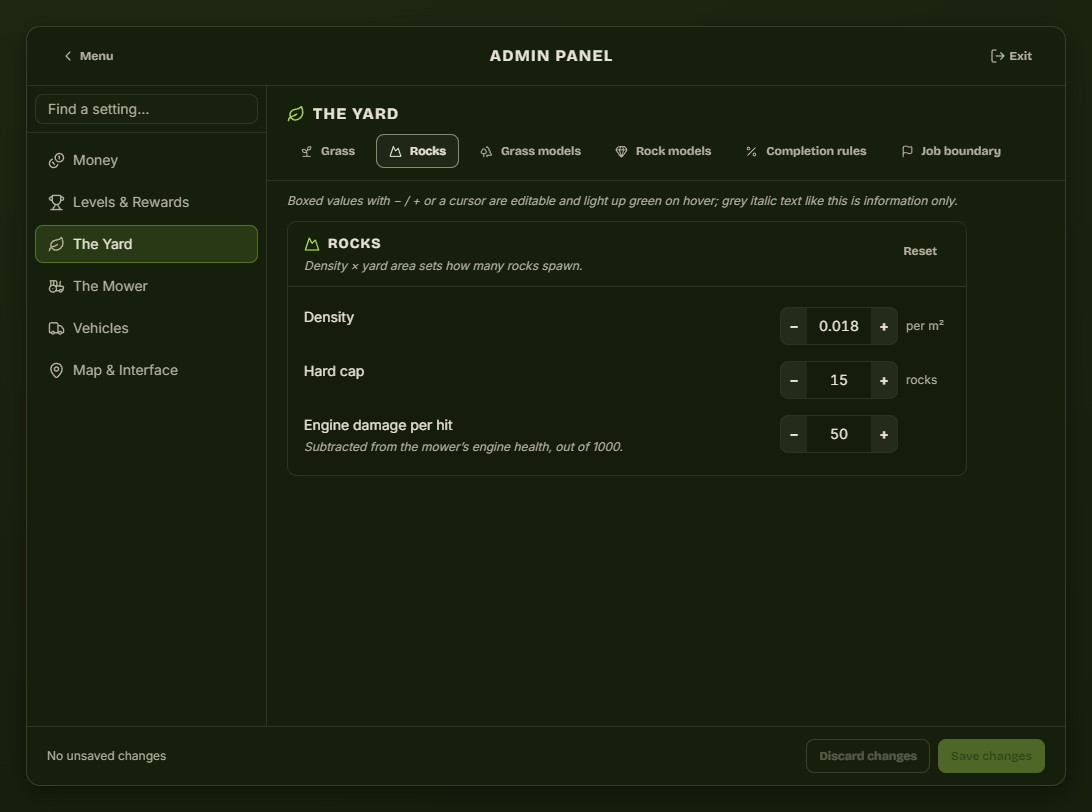
Both work the same way: density × yard area decides how many objects spawn, and the hard cap stops a large yard spawning hundreds. Rocks add engine damage per hit, subtracted from the mower's engine health out of 1000 — which is also what decides the deposit refund.
Raising density makes yards longer and more profitable; lowering it makes them quick. Change density before you change payments.
Engine damage is worth doing the arithmetic on, because it decides the deposit refund. At the default 50 per hit, a player keeps the full refund up to 4 hits, gets half between 5 and 14, and gets nothing past that. Higher mower tiers absorb part of each hit.
Grass models / Rock models
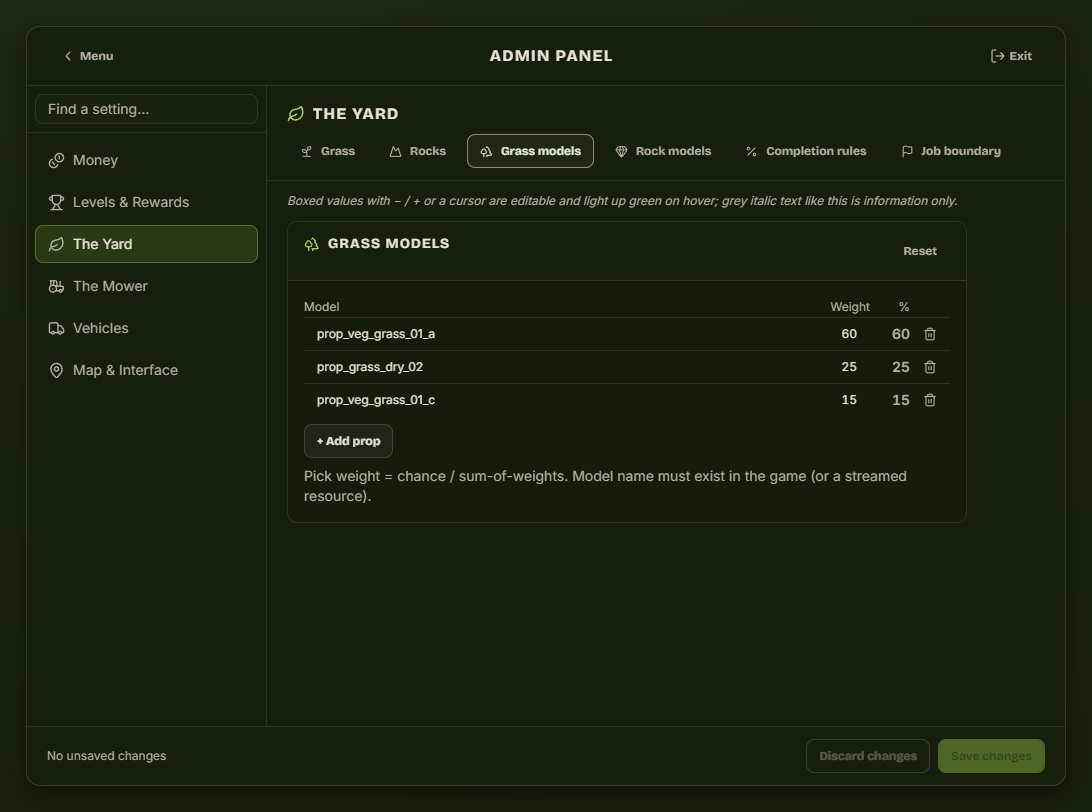
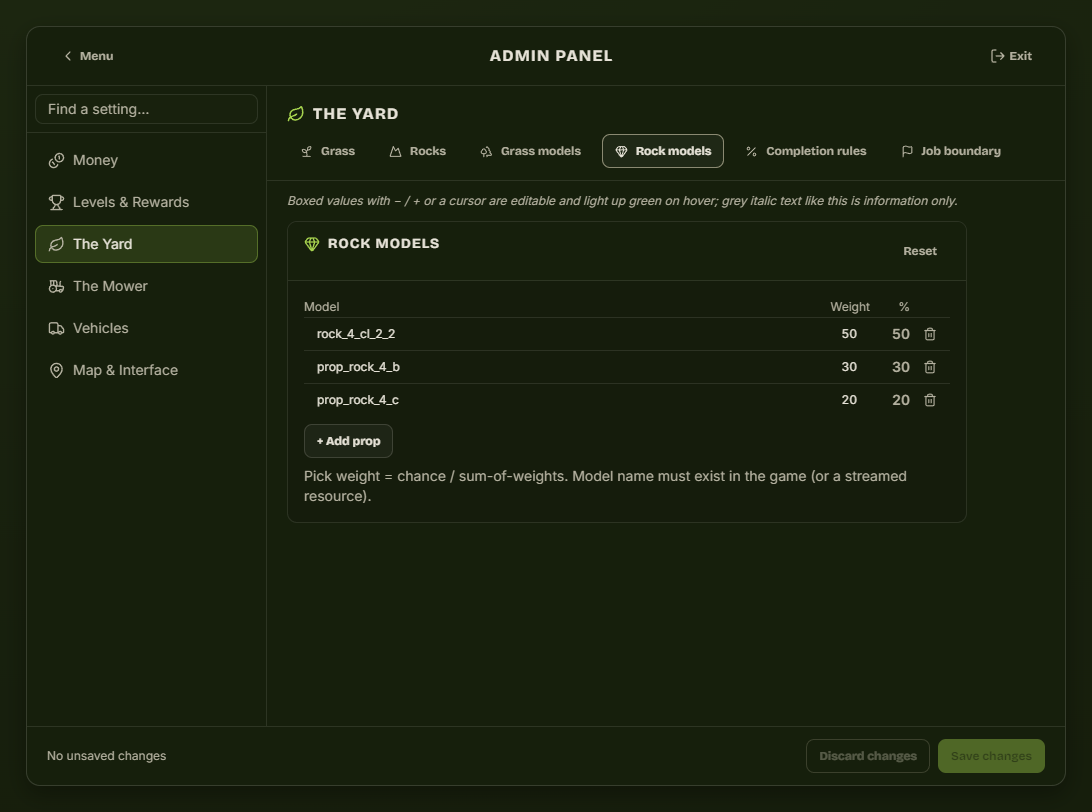
The props used for patches and rocks, each with a weight — a higher weight means that model appears more often. Any prop name your server streams will work.
Completion rules
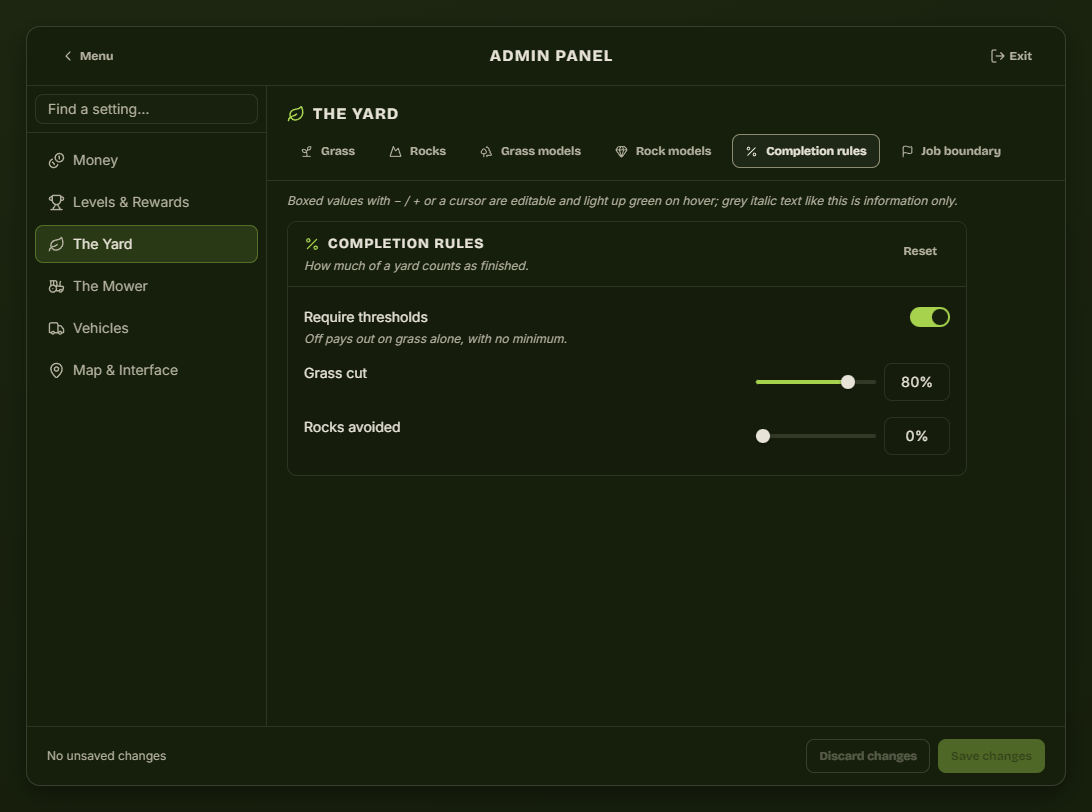
| Setting | Effect |
|---|---|
| Require thresholds | Off pays out on grass alone, with no minimum. |
| Grass cut | Share of the yard that must be cut before the customer pays. |
| Rocks avoided | Share of rocks that must be left untouched. |
Job boundary
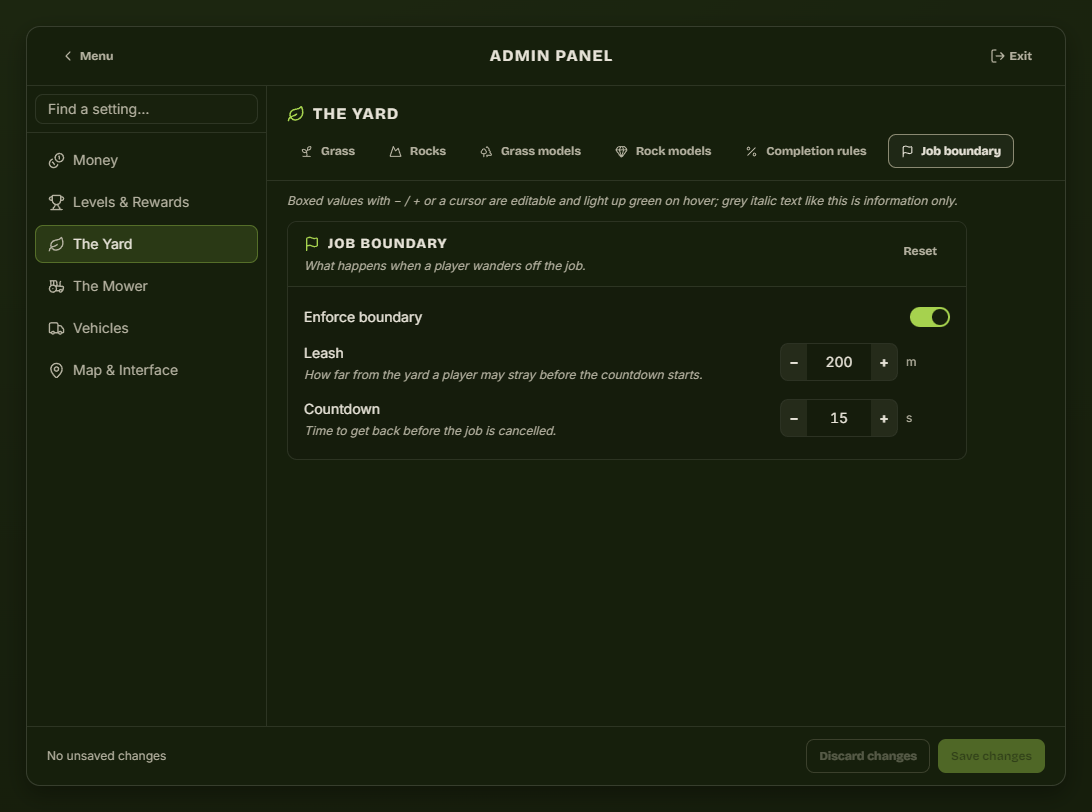
| Setting | Effect |
|---|---|
| Enforce boundary | Off lets players drive the job vehicles anywhere. |
| Leash | How far from the yard a player may stray before a countdown starts. |
| Countdown | Seconds to get back before the job is cancelled. |
The Mower
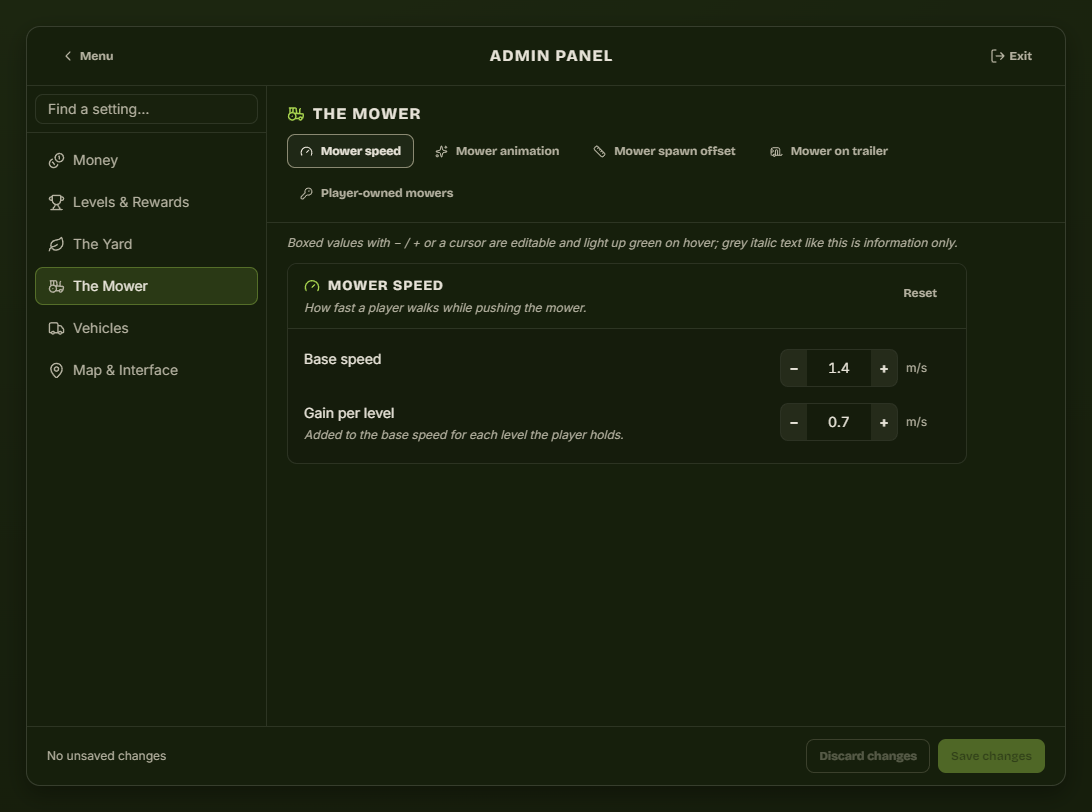
| Tab | What it sets |
|---|---|
| Mower speed | Base mowing speed and the extra speed granted per level. |
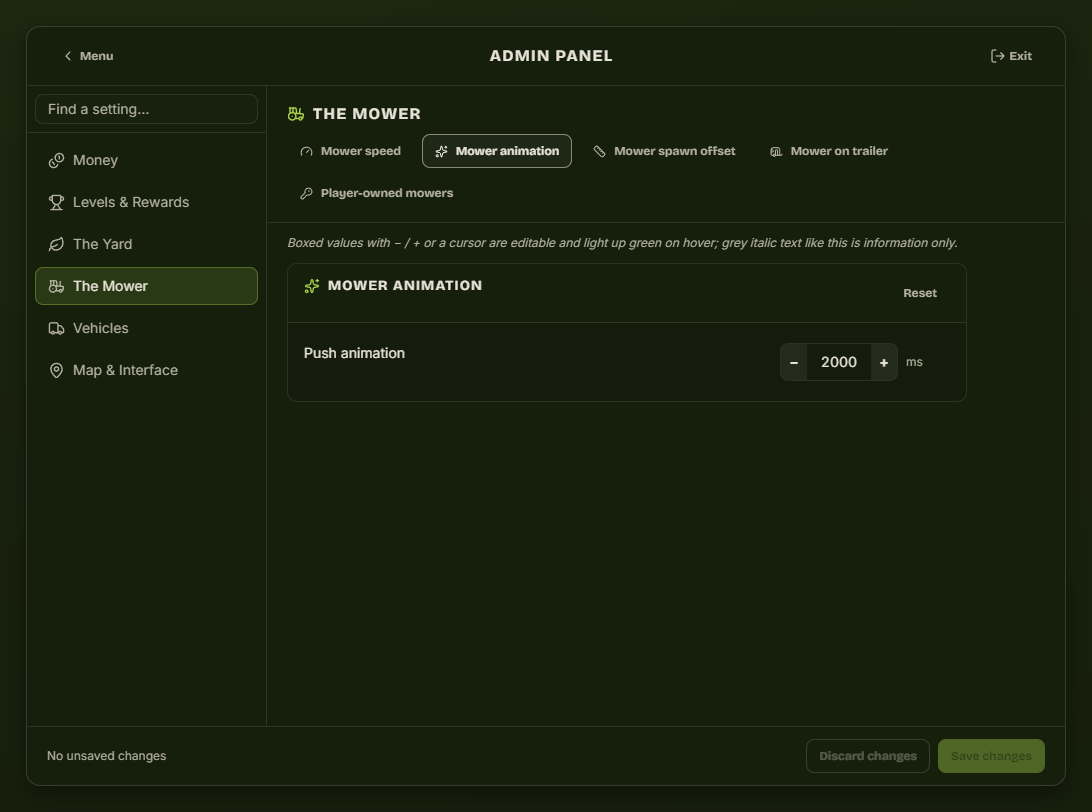
| Mower animation | Length of the push animation, in milliseconds. |
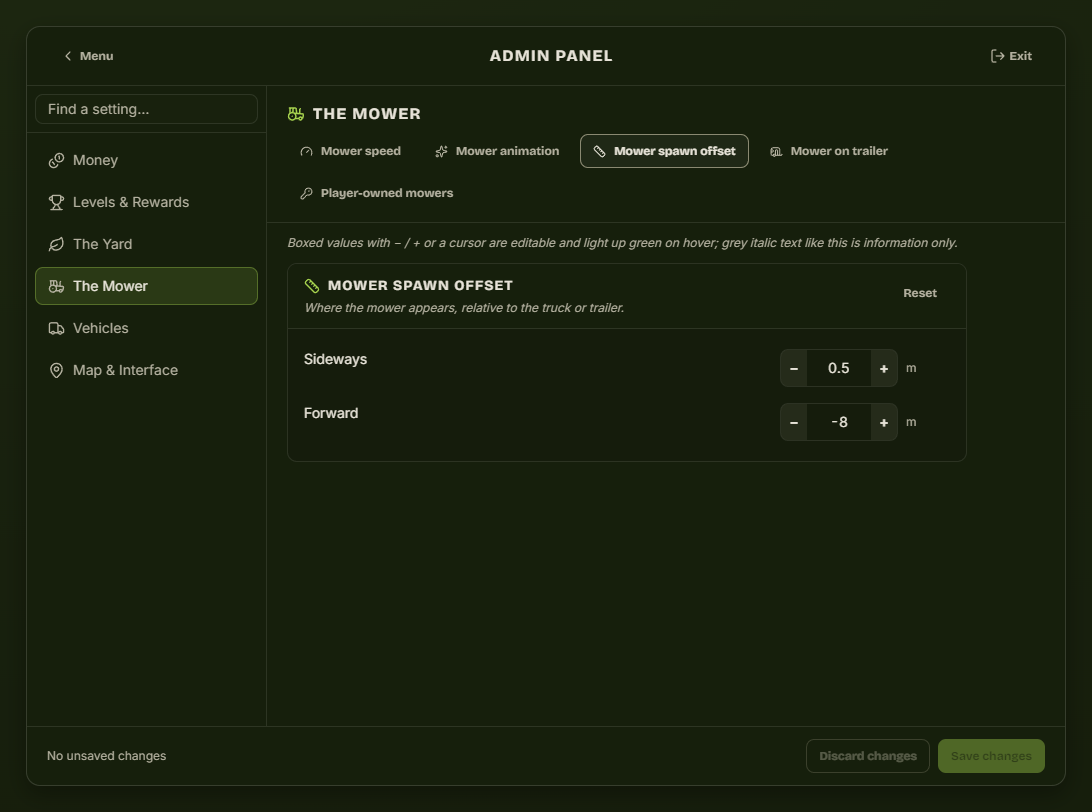
| Mower spawn offset | Where the mower appears relative to the truck or trailer. |
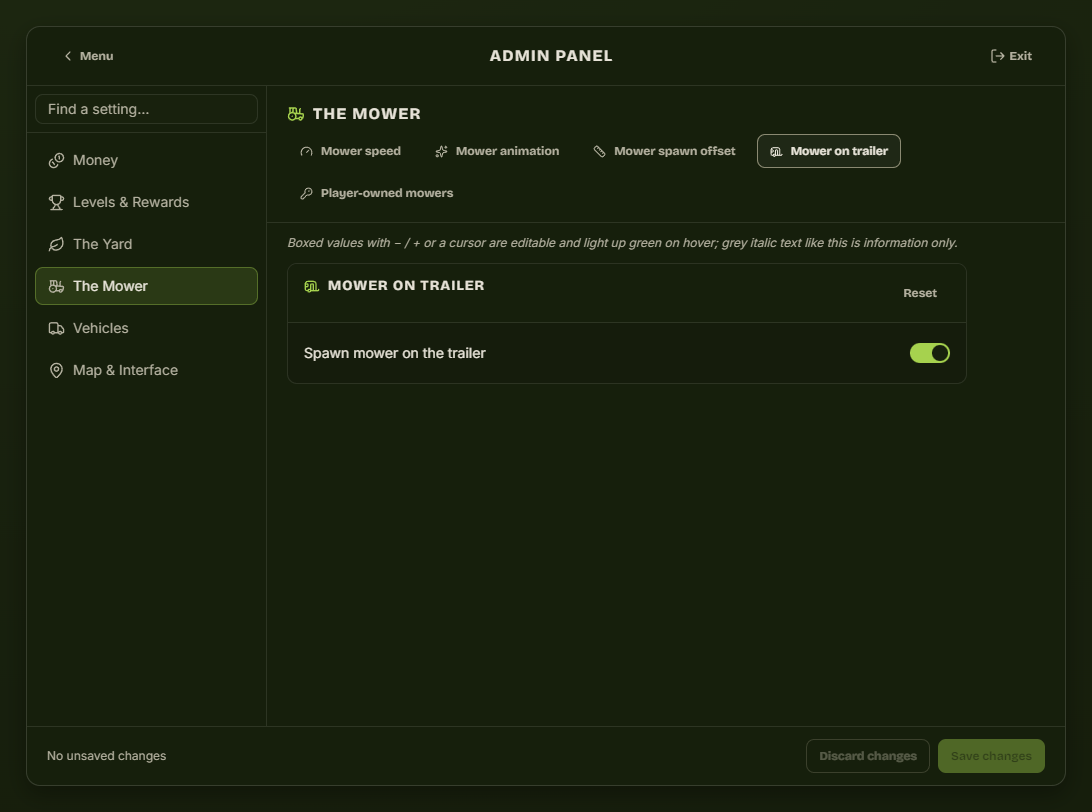
| Mower on trailer | Whether the mower spawns loaded on the trailer or beside it. |
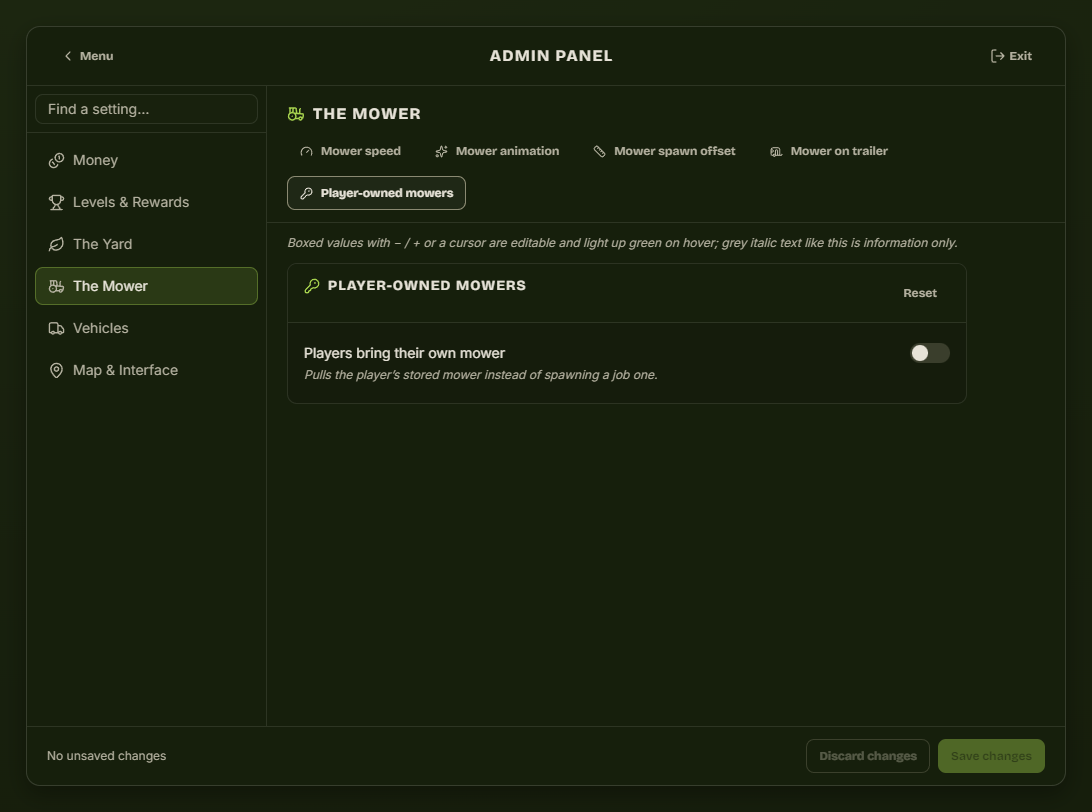
| Player-owned mowers | Pull the player's own stored mower instead of spawning a job one. ESX only, and needs the extra SQL from Installation. |
Vehicles
Vehicle spawning
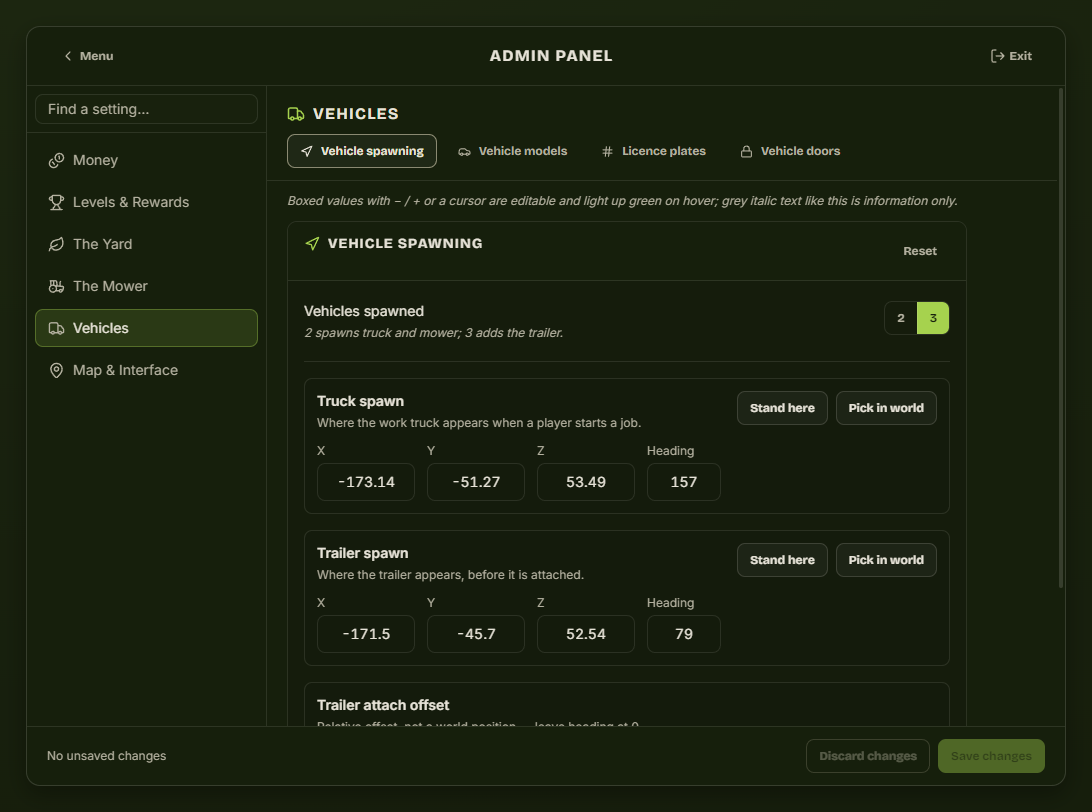
Choose 2 vehicles (truck + mower) or 3 (truck + trailer + mower), then place each spawn point. Stand here takes your current position; Pick in world lets you click the spot. The trailer attach offset is a relative offset, not a world position.
Vehicle models, plates, doors
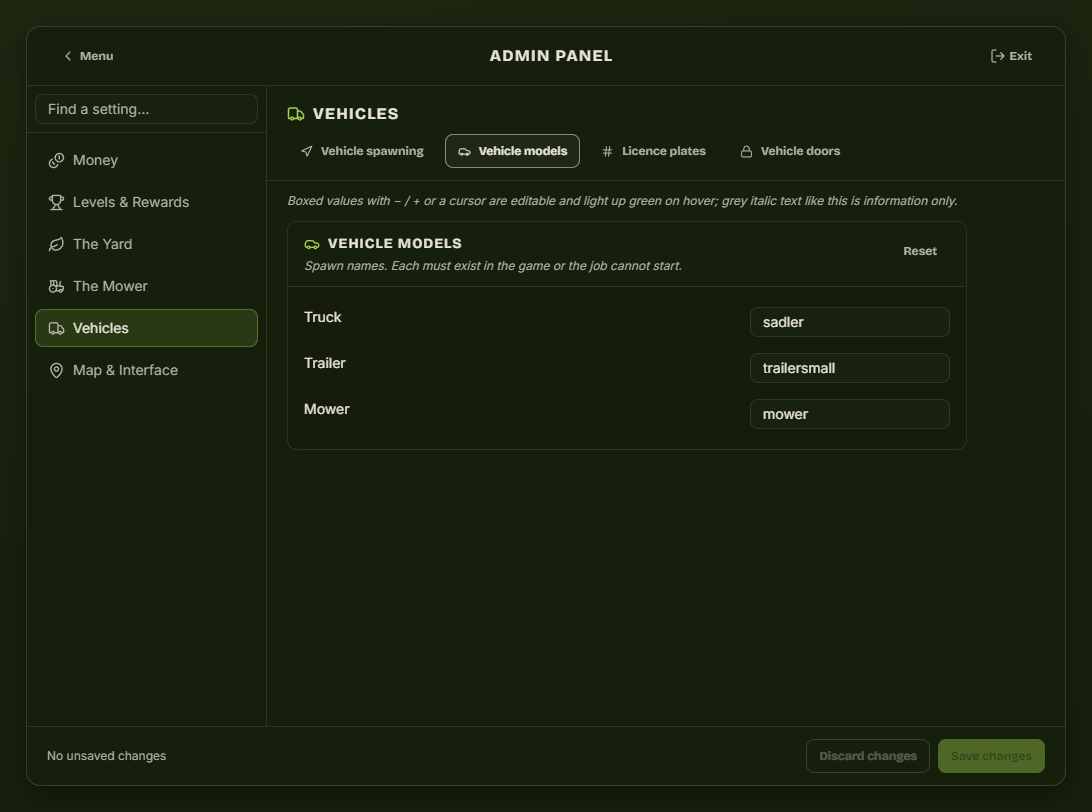
| Tab | What it sets |
|---|---|
| Vehicle models | Spawn names for the truck, trailer and mower. Each must exist on your server or the job cannot start. |
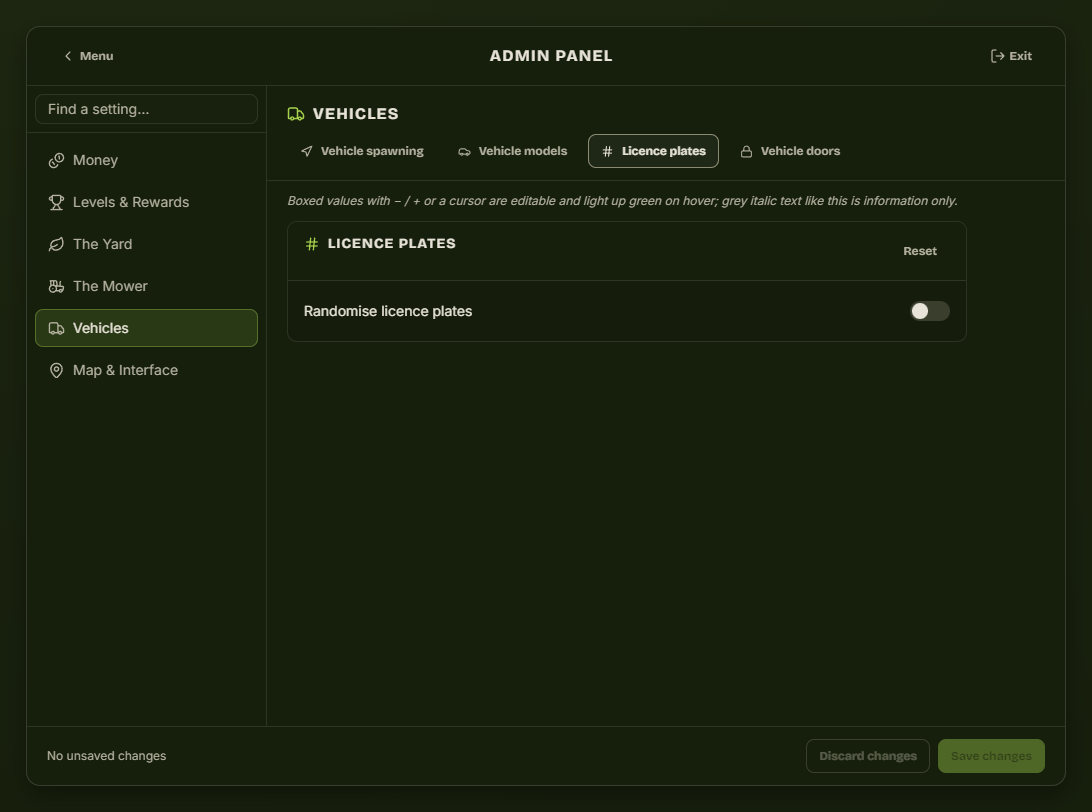
| Licence plates | Randomise the job vehicles' plates. |
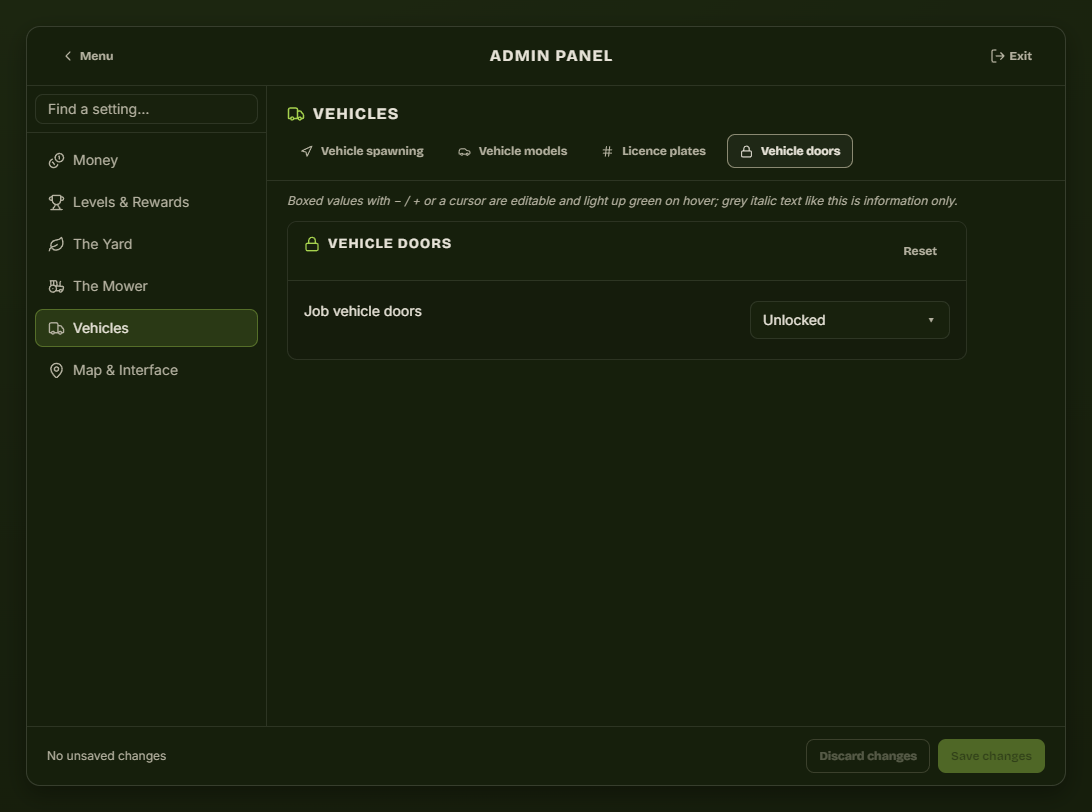
| Vehicle doors | Door lock state the job vehicles spawn with. |
Map & Interface
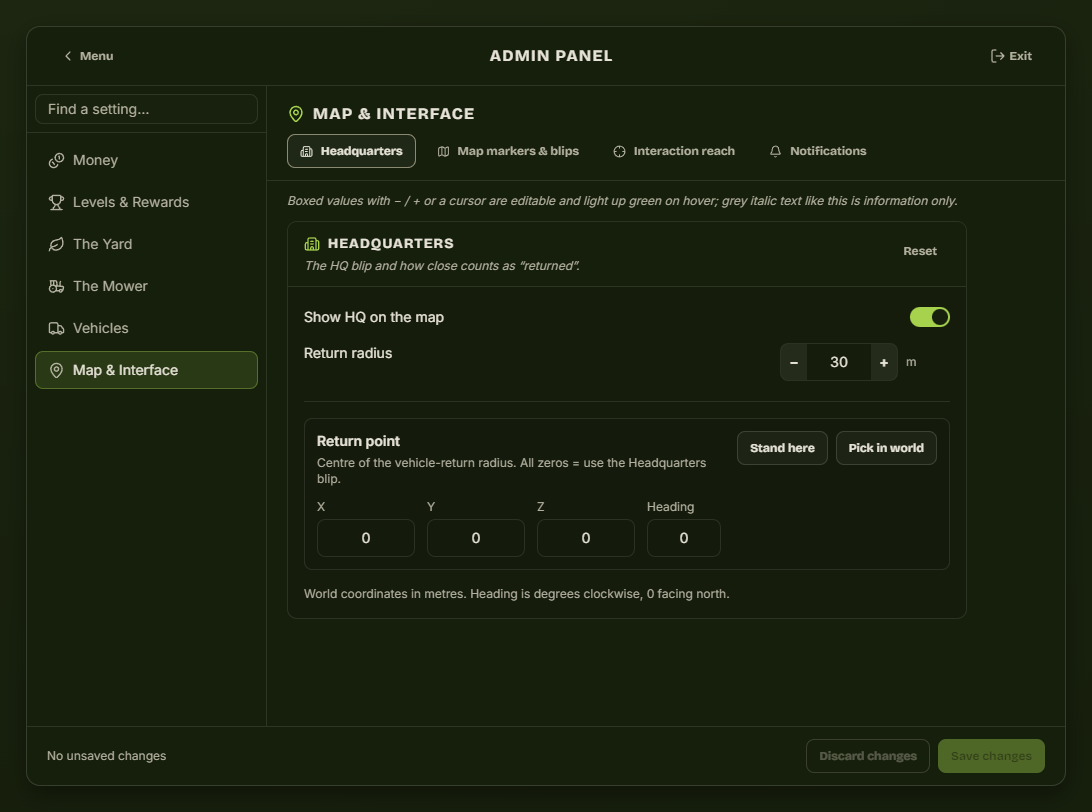
Headquarters
| Setting | Effect |
|---|---|
| Show HQ on the map | Turns the depot blip on or off. |
| Return radius | How close a player must park for the vehicles to count as returned. |
| Return point | Optional. Leave every field at 0 and the radius is measured from the depot blip; set it to put the circle on the parking area instead of on the manager ped. Stand here takes your position, Pick in world lets you click the spot. |
Map markers & blips
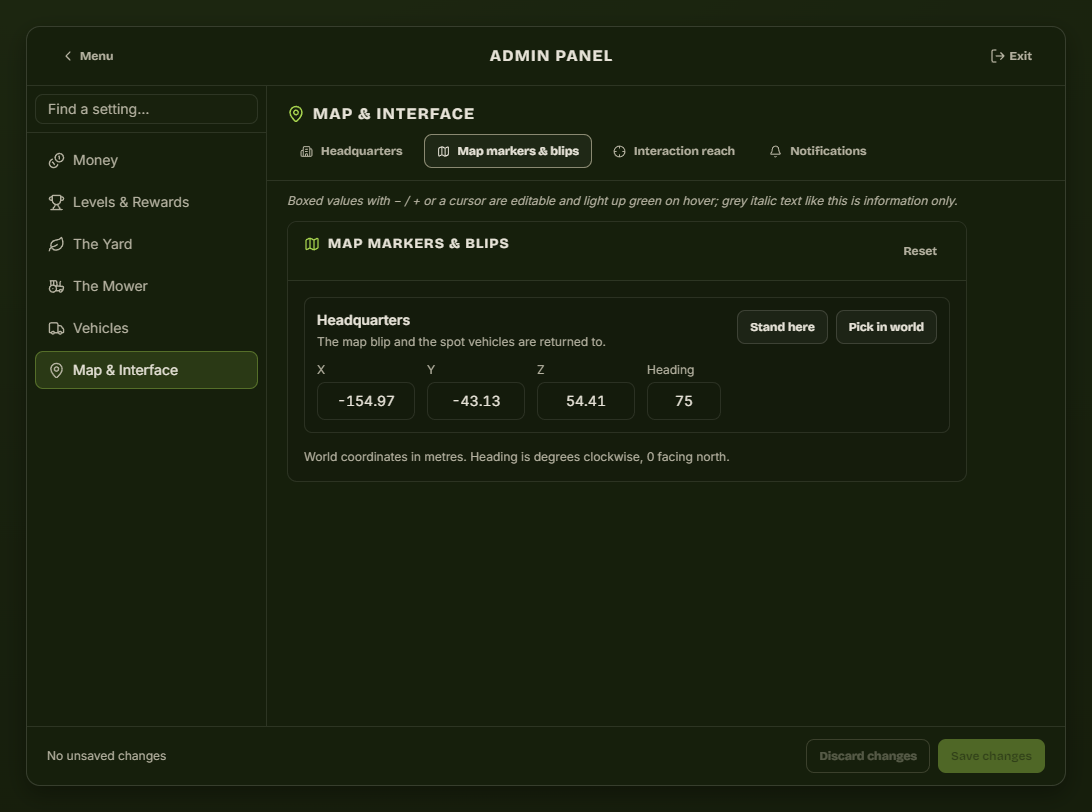
The depot itself — the map blip and the spot vehicles are returned to. This is the setting to change when you move the job somewhere other than Mission Row. Drive or walk to the new depot and press Stand here.
Interaction reach
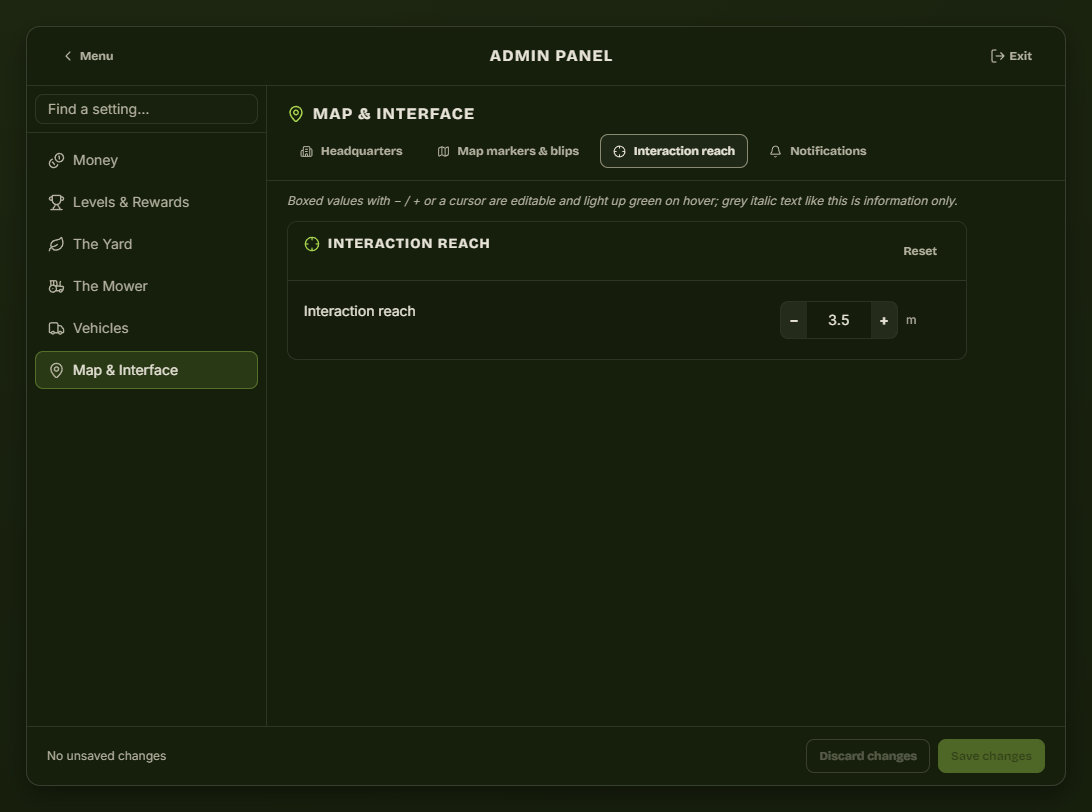
How close a player must be for the target options on the manager and the customer to appear.
Notifications
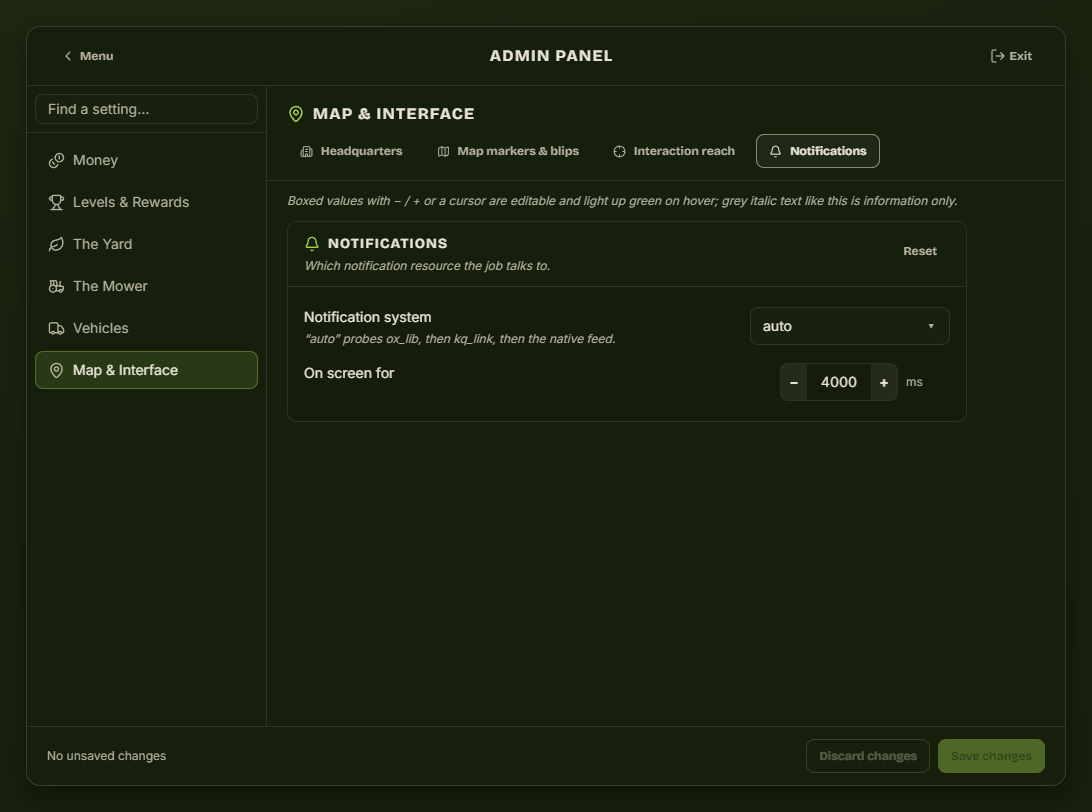
Which notification resource the job talks to, and how long messages stay on screen. auto probes ox_lib, then kq_link, then the game's own feed — leave it on auto unless you want a specific one.
Finding a setting fast
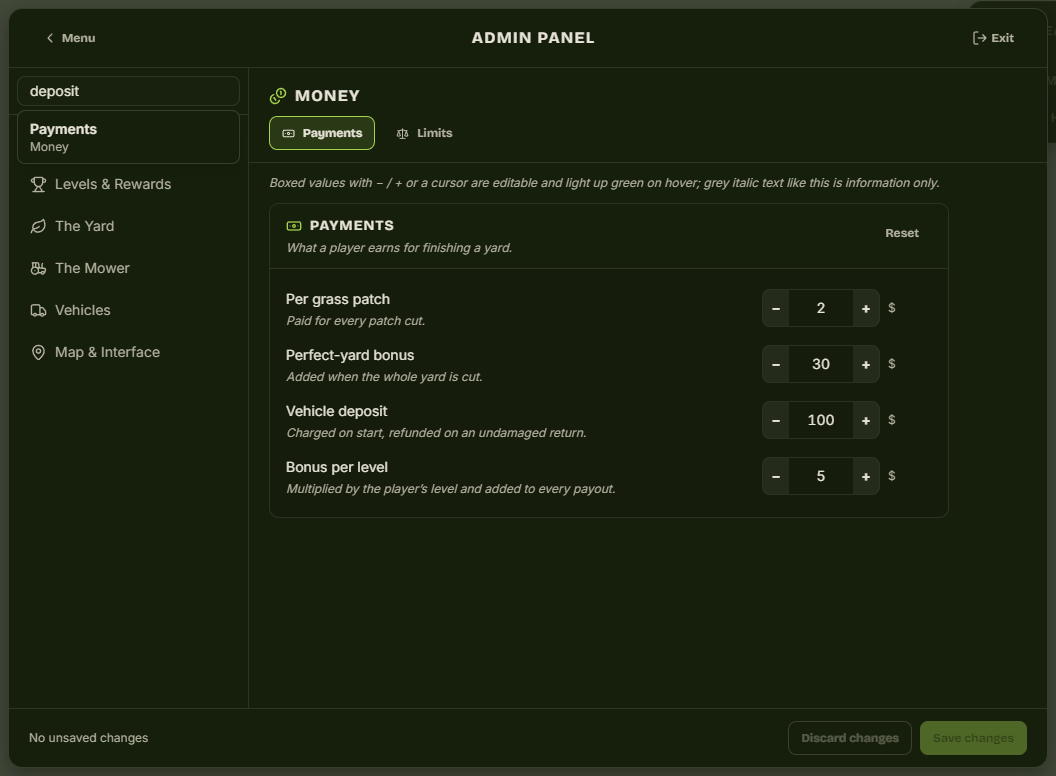
The search box matches group names and field labels, so deposit, rock, blip or prize will land you on the right tab without knowing the category.